Not sure what to ask Copilot? The Query Gallery is here to give you ready–to–use ideas and boost your productivity.
In the Chat section of the Microsoft 365 Copilot app, you‘ll find ready–to–use prompts. All you have to do is let yourself be guided.
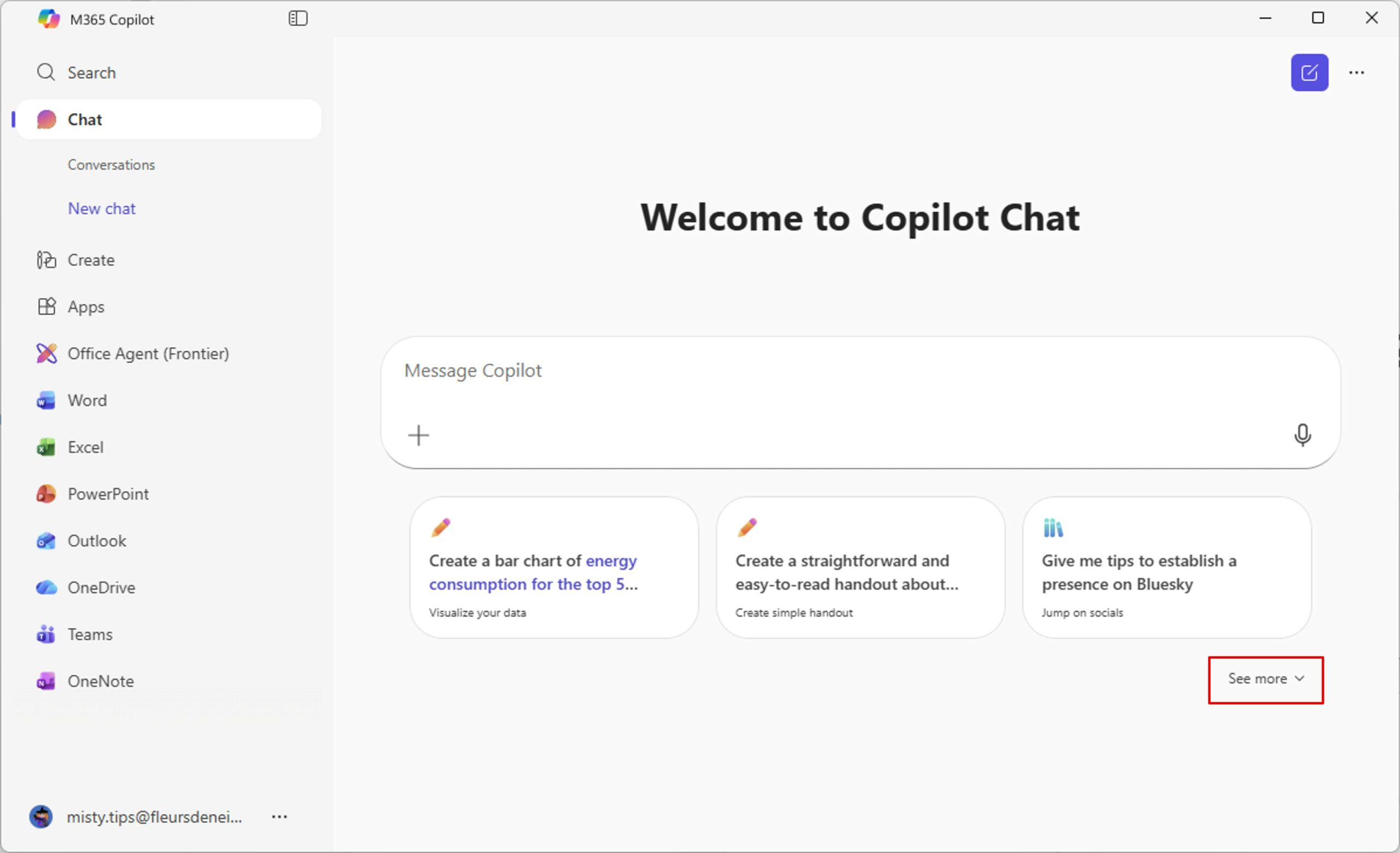
Clicking See more at the bottom right of the screen will show you even more prompts that have already been written.
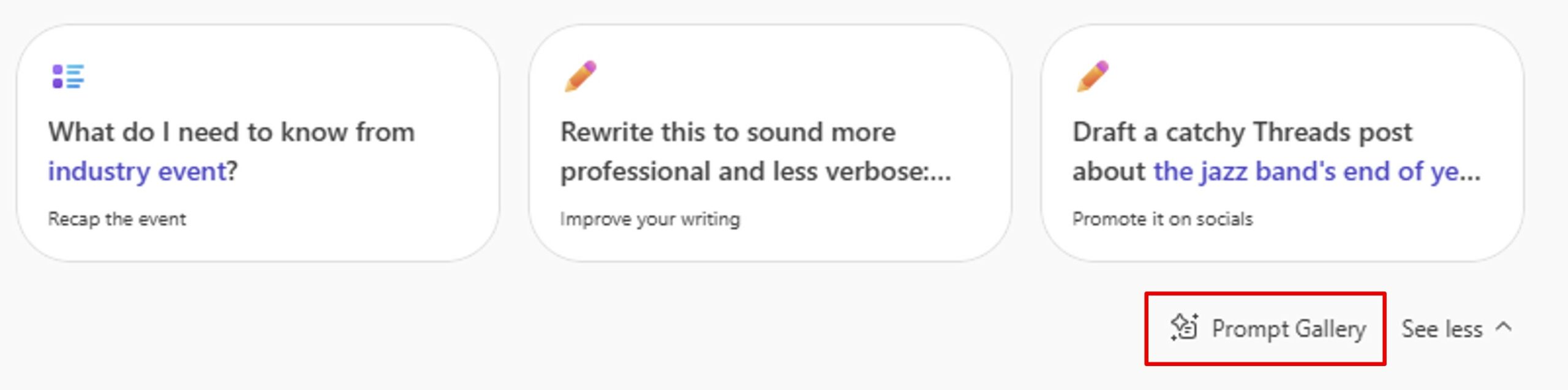
Further down, click on Prompt Gallery.
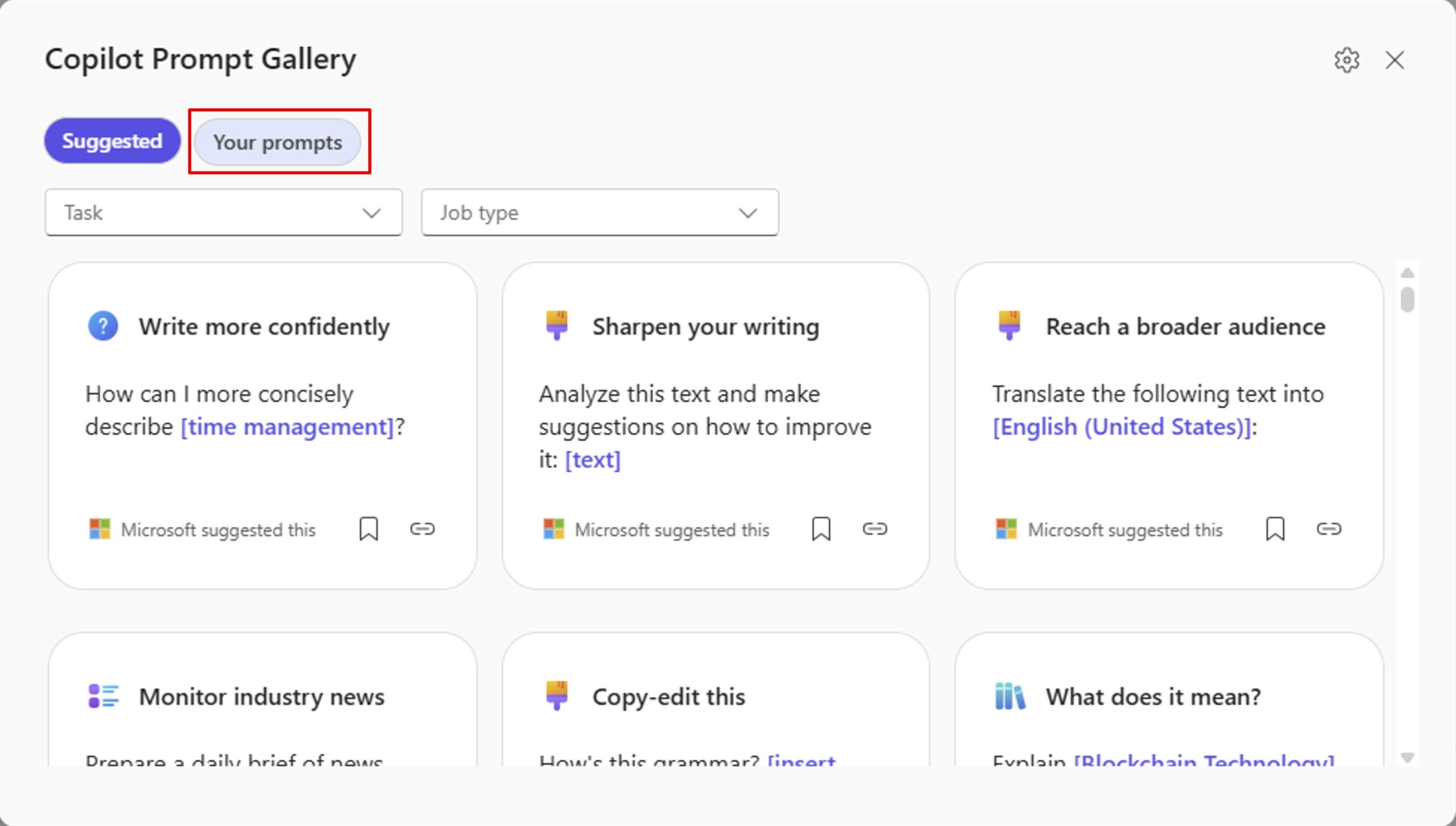
In this Gallery, you will find many prompts ready to use.
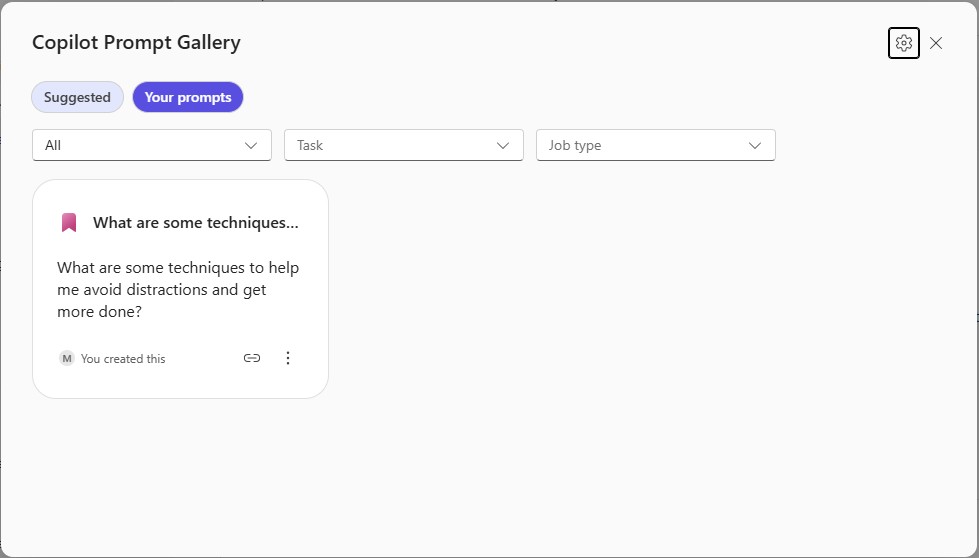
By clicking on Your prompts, you will find the prompts you have saved.
Let‘s take a look at how to save your favorite prompts.
Save prompt
In the chat section, open an old conversation and hover over a prompt you wrote. You will get several options. Click the Save prompt bookmark.
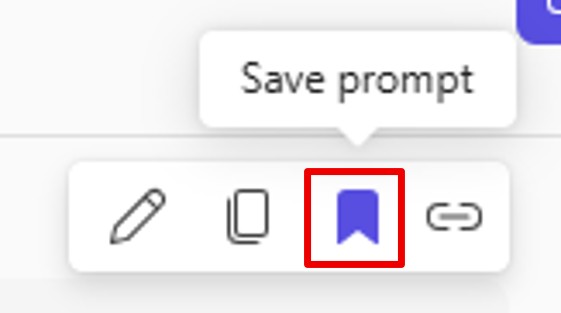
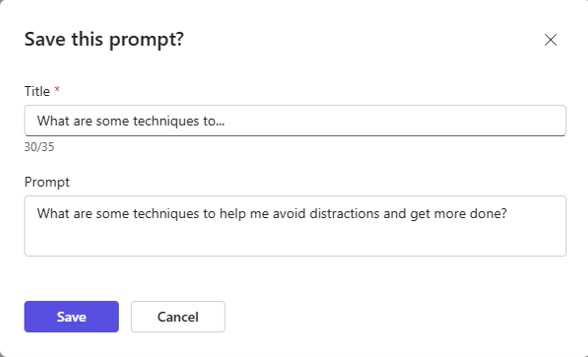
Once you click on the icon, this window opens to allow you to name your prompt.
You have the possibility to give a meaningful title (to better find it later) and to adjust your prompt. Finally, click Save.
When you return to the Your prompts section of the Prompt Gallery, you will find the prompt you just saved.
Just click on it to reuse it.
💡Tip: Feel free to edit the gallery queries before sending them to fit your current context perfectly!
Please note: registered prompts are private. They are only visible by you.
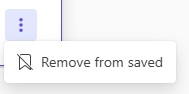
If you want to clean up your queries, you can delete obsolete prompts by clicking on the 3 dots and then Remove from saved.
Take the time to explore, to record what inspires you… and let Copilot accompany you in your creative impulses, with fluidity and confidence.