Effortlessly share a Microsoft Forms form, whether it’s the results or a template, in just two clicks for seamless collaboration.
Forms allows you to collaborate with others in a number of ways: either share a Forms (so everyone can edit the same form and see the results), or duplicate a Forms to use as a template.
To collaborate, click on the 3 dots in the top right, then click on Collaborateor Duplicate.
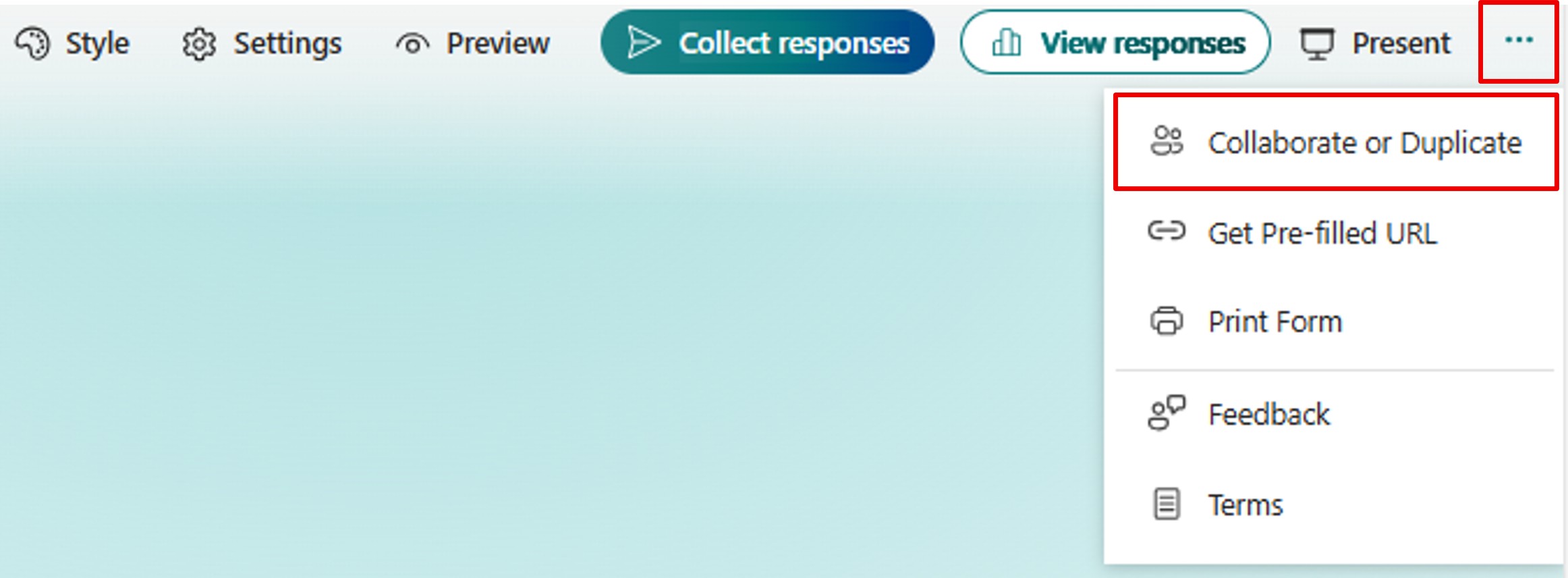
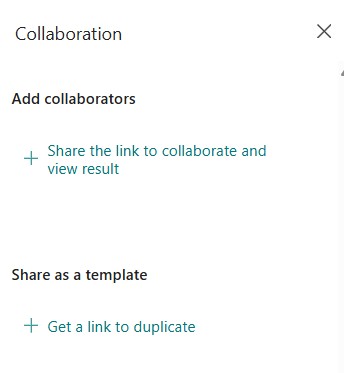
A panel opens on the right offering you 2 options:
- Add collaborators
- Share as a template
Collaborate
To collaborate with others on the same forms, in the Add collaborators section, click Share the link to collaborate and view result.
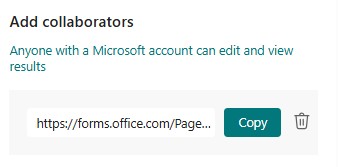
You get a link that you have to copy and pass on to other people.
The forms will be added to the list of forms of the people who have retrieved the link.
Duplicate
To share a form as a template, in the Share as a template section, click Share the link to duplicate.
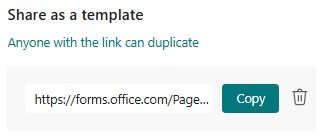
You get a link that you have to copy and pass on to other people.
The people who retrieve the link must, first of all, click Duplicate it.
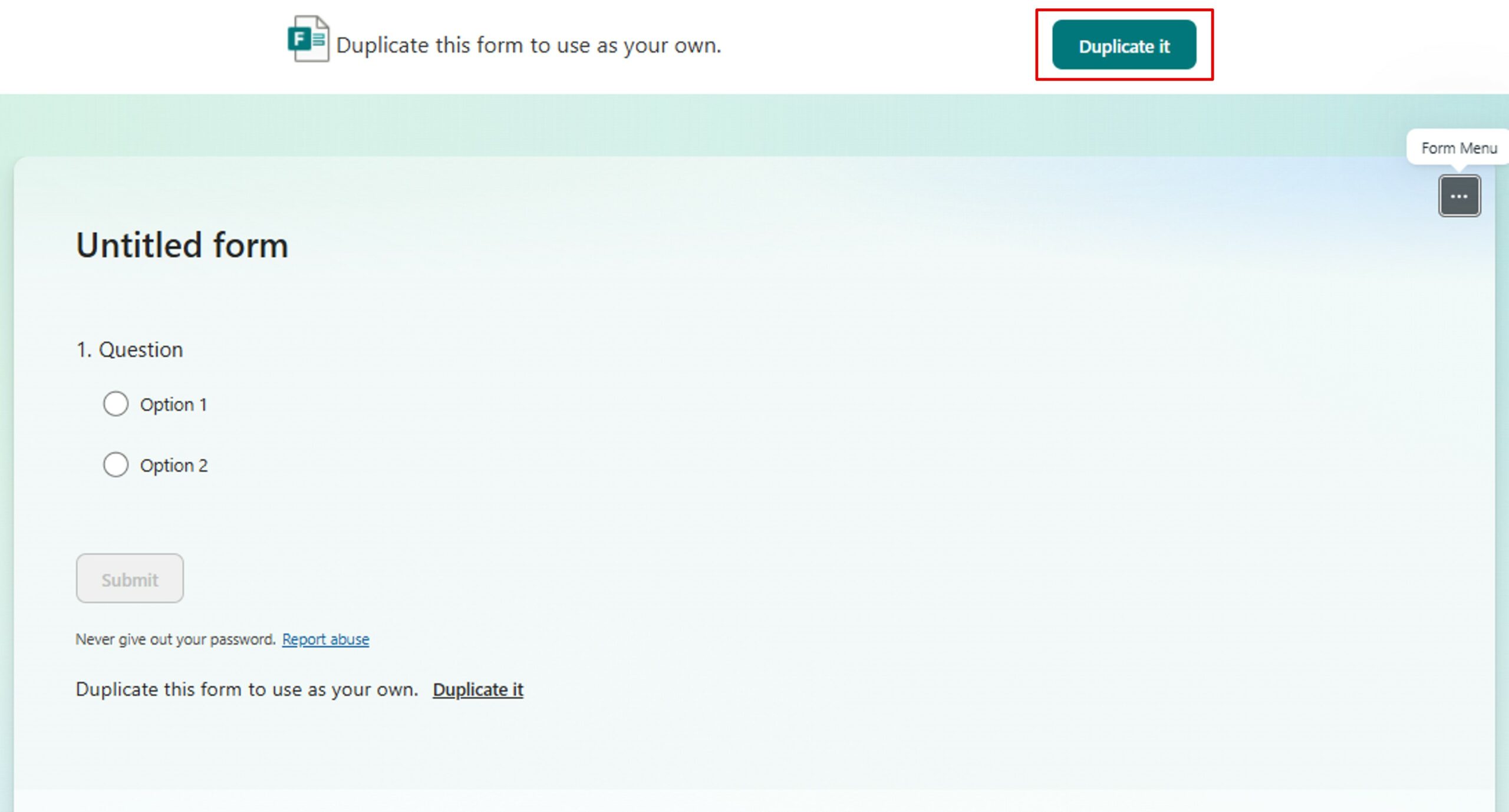
The new form appears in the list of forms, with (Copy) at the end of the title.
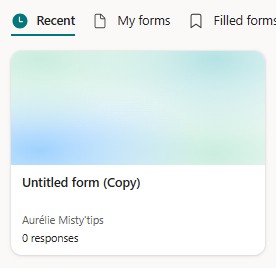
By opening the new form, it is possible to change the title and any other sections.

Questions can be edited, others added. Then, this form has become an independent form, it is ready for the collecting responses.
With just a few clicks, you‘re ready to collaborate or reuse your forms without losing track. Microsoft Forms is the discreet ally of your well–crafted projects.