Got something to say on Teams? Own your status and let your personality do the talking.
If you want to communicate information to all your contacts on a temporary or permanent basis, it is possible to customize the status message.
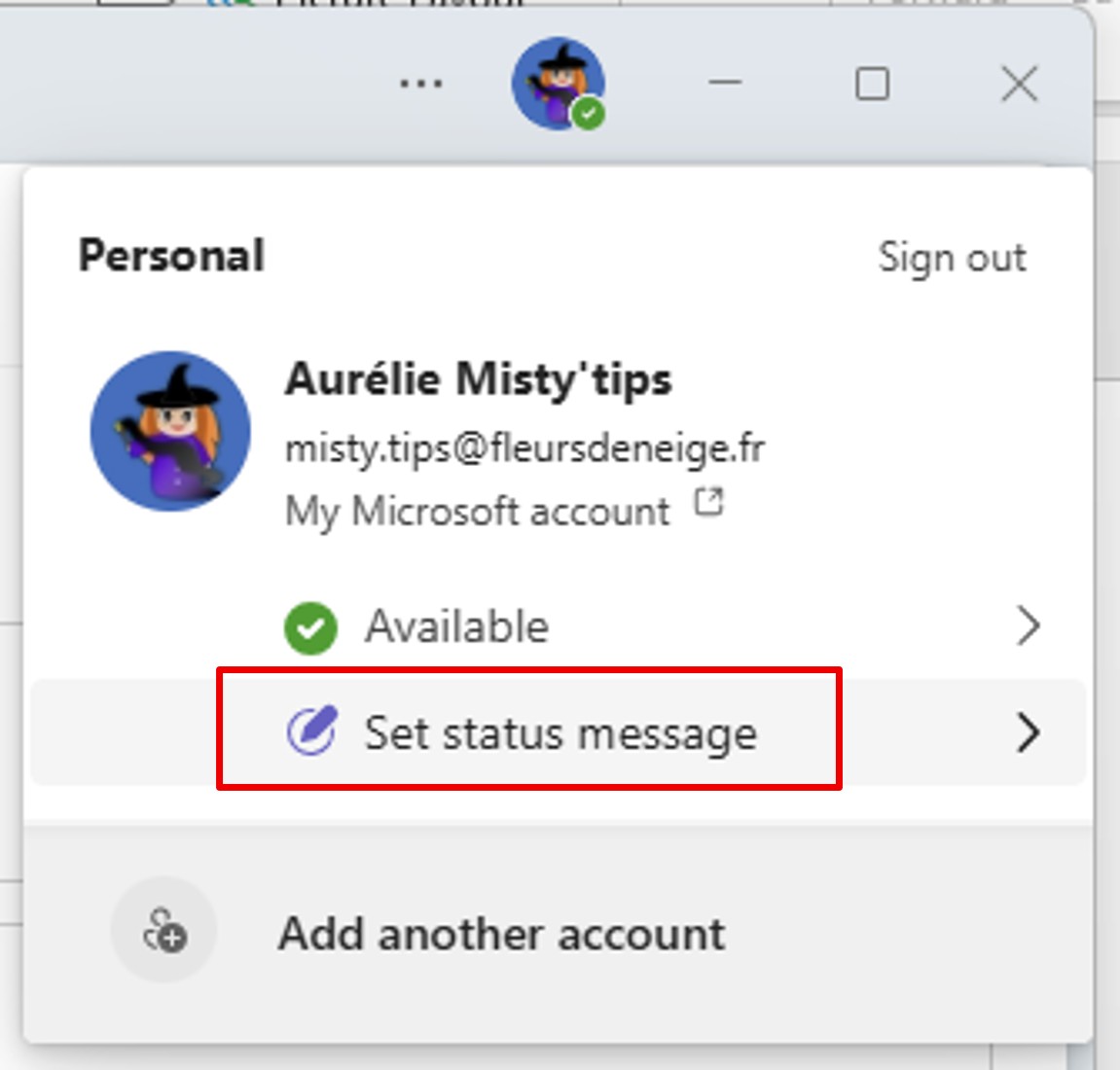
To do this, click on your photo (or initials) at the top right of your window.
Next, click Set Status Message.
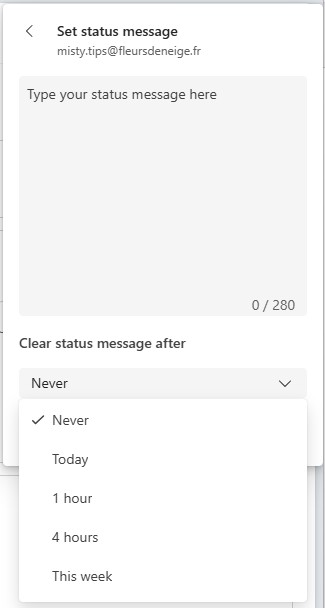
There are 2 zones available to you:
- The first area to enter your message.
- The 2nd zone to configure the time that your message will be displayed.
Some examples of messages:
- In meeting – delayed response
- Your back–up contact: …
- Working from home today
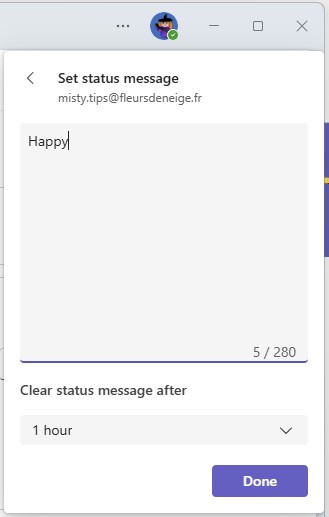
After configuring the 2 fields. Here‘s how it appears.
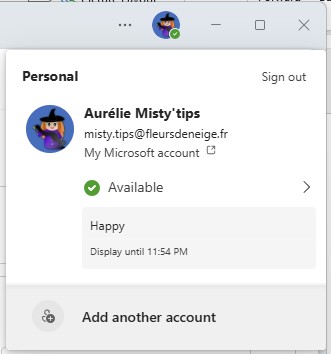
This option allows you to share your workplace (remote or on–site), your mood, a climbing contact or a back–up. And this, for as long as you want. Anything is possible!