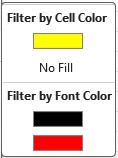
Have you put colors in your Excel table (text or background) and want to quickly find the cells?
Once you have put colors in your cells (text color or cell fill), it is possible to filter your rows by colors.
Unlike sorting by color, filtering by color is used to isolate certain rows.
First, add a filter on your column headers. On the Data menu, click Filter.

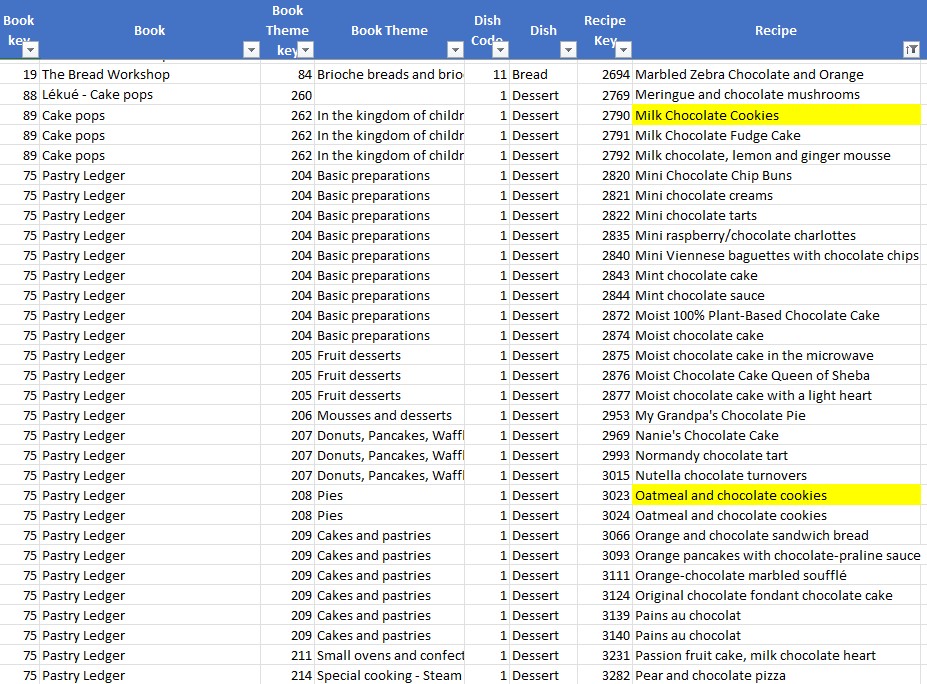
Then click on your column‘s filter. On the shortcut menu, click Filter by Color. Then choose the color.
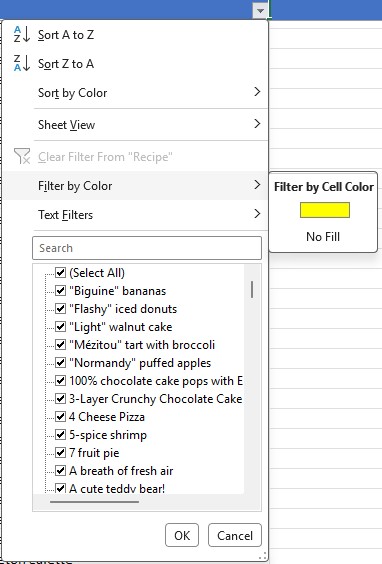
This filters your list to all cells that contain the color.

It is also possible to filter on a font color.