Is your slideshow completely animated? Why press a button to launch it?
Transform your PowerPoint slideshow into a video effortlessly with just one click!
Turn your slideshow into a video
On the File menu, click Export and then Create a Video.
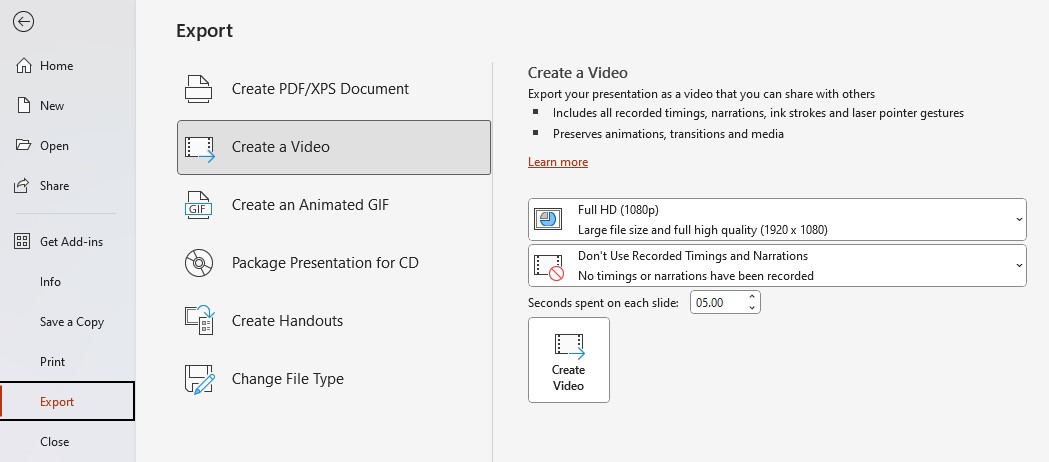
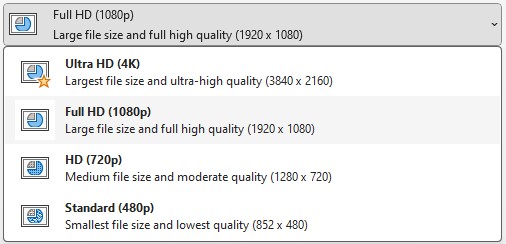
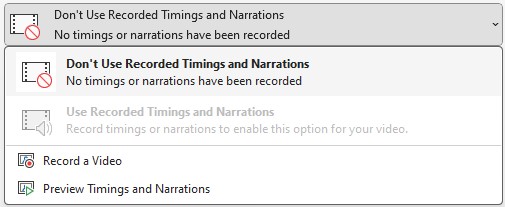
Choose the resolution as well as the narration and timing settings.
The generated file is in .mp4 format.
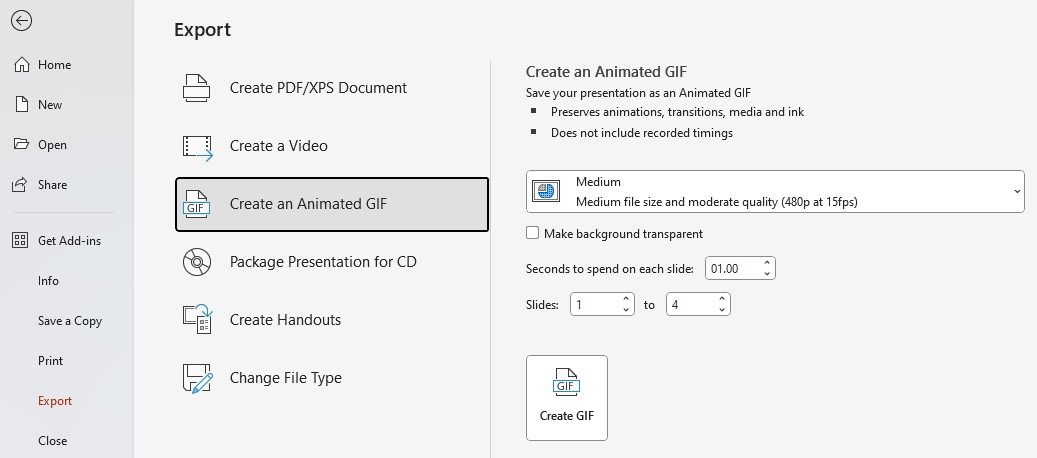
Create an Animated GIF
On the File menu, click Export and then Create an Animated GIF.