Is your inbox getting cluttered? Consider emptying your trash—it can even be set to clear automatically when you close Outlook.
Make Outlook empty your trash every time you close it.
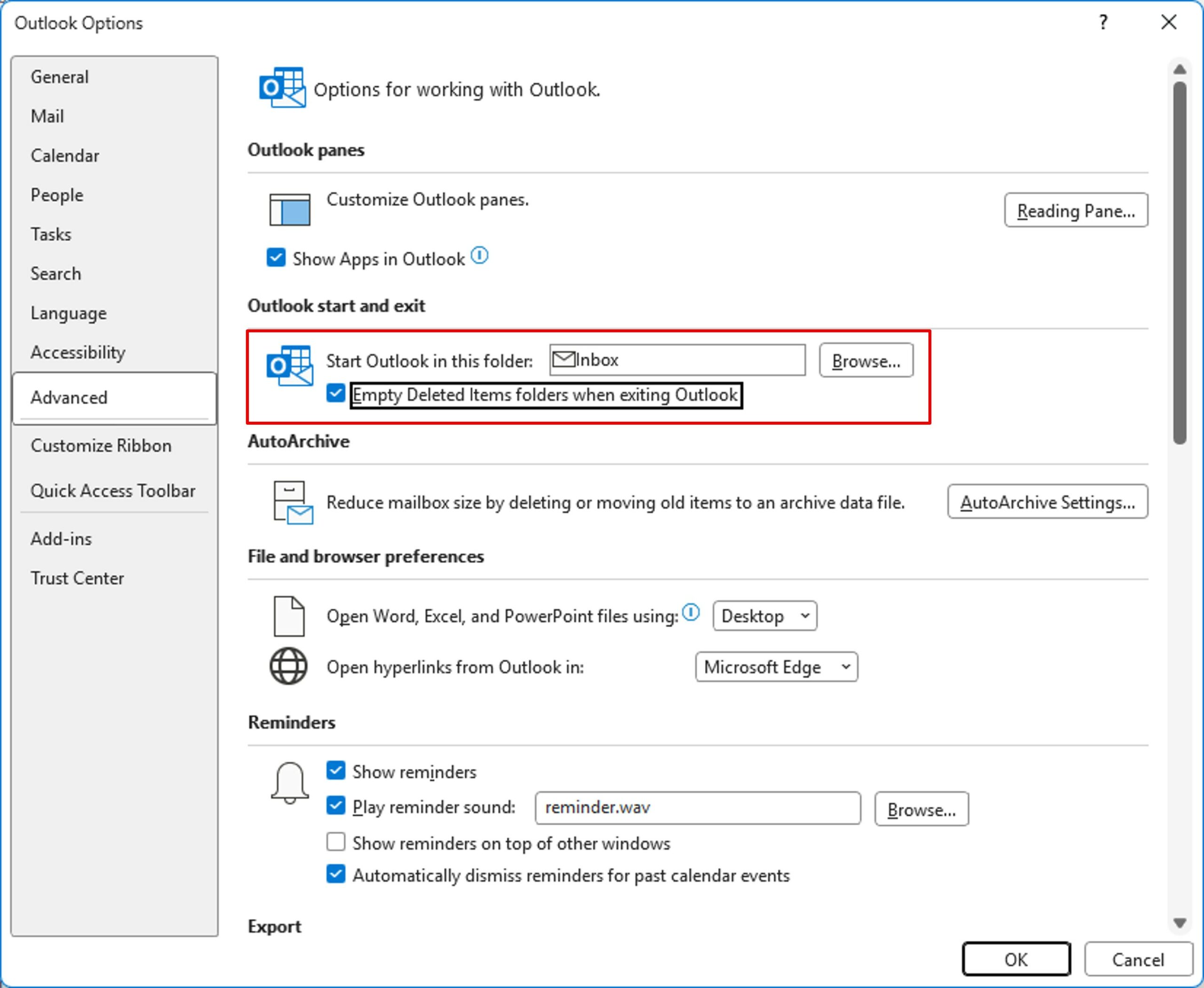
On the File menu, click Options. Then, click in the Advanced Options section.
Check Empty Deleted Items folders when exiting Outlook.
Finally validate.
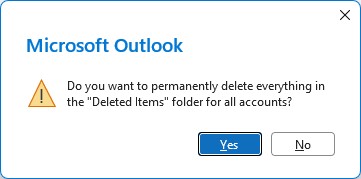
Every time you close it, Outlook asks you if it should empty the recycle bin.
If you realize that you deleted an email by mistake, it is still possible to recover it… up to 30 days later. Exchange server only option. Outlook: Recover deleted items from server