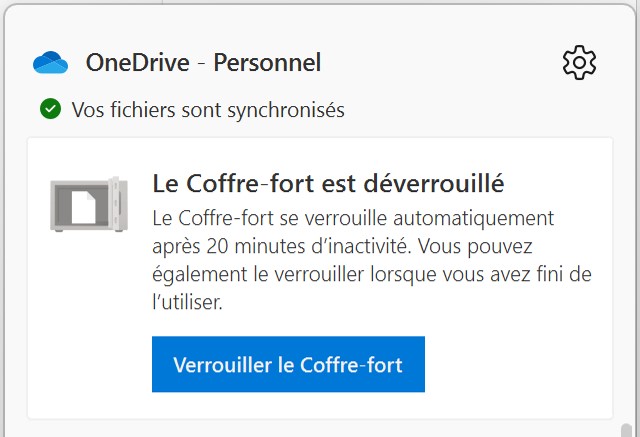

Do you want to extract text that appears in an image? OneNote’s character recognition tool can do it for you.
With OneNote, you can extract text from an image without having to retype everything. The app includes an OCR feature (Optical Character Recognition).
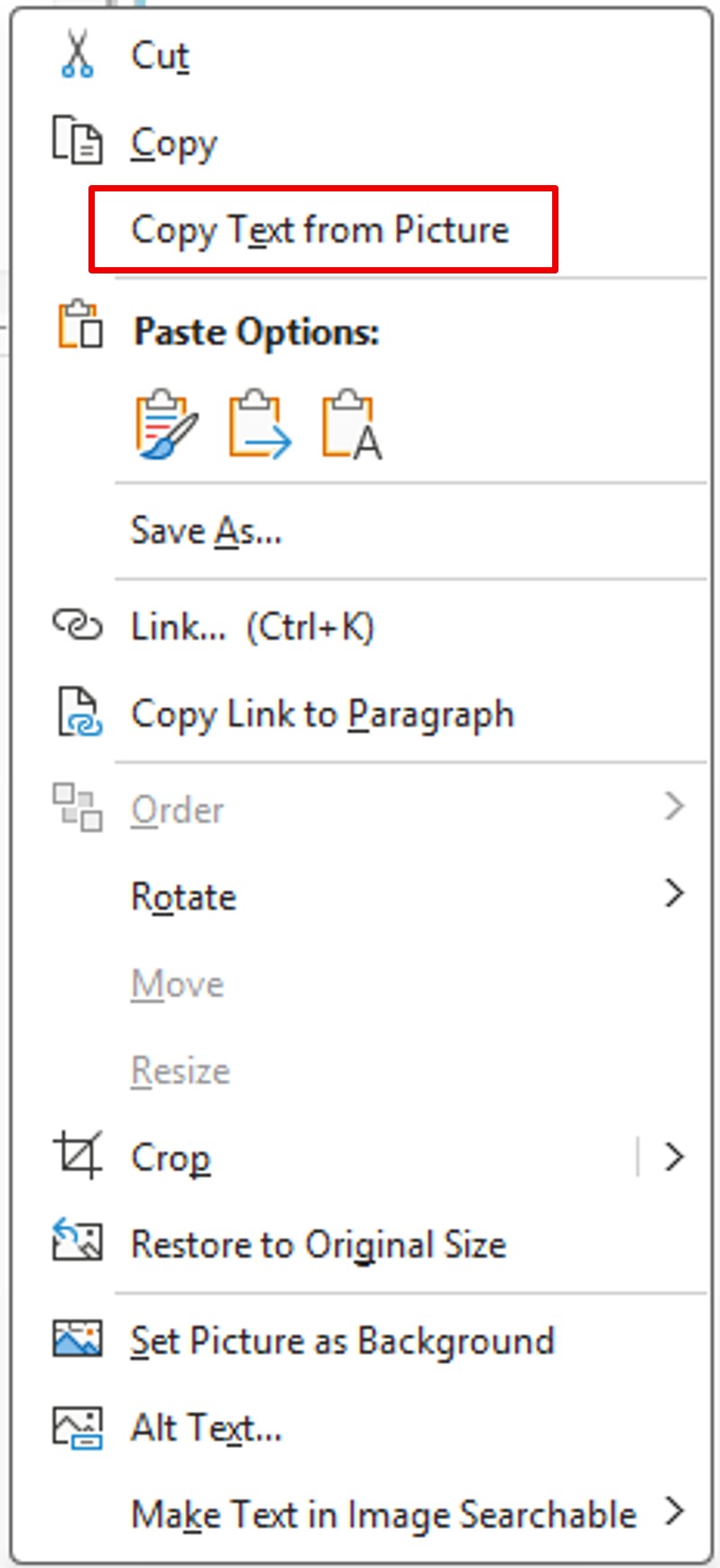
First, insert your image onto a OneNote page. Then, right‑click the image and select Copy Text from Picture.
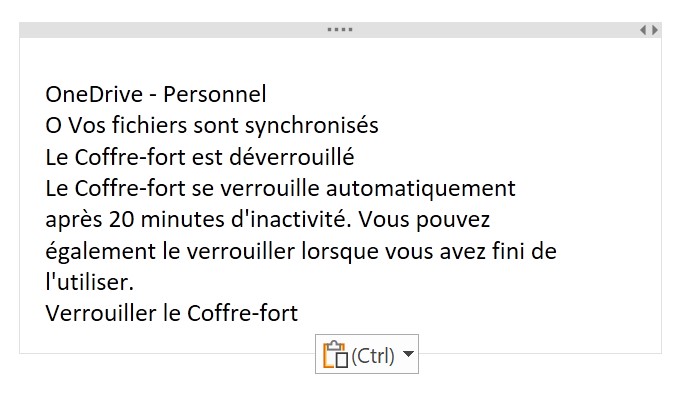
Next, paste the content (now stored in your clipboard) using CTRL + V or the Paste command from the Home menu.
Here is the result: