

Would you like to access your favorite website with a single click? Pin it to your taskbar with Microsoft Edge.
First, open the Edge homepage. If your favorite website doesn‘t appear in the shortcuts, you need to add it.
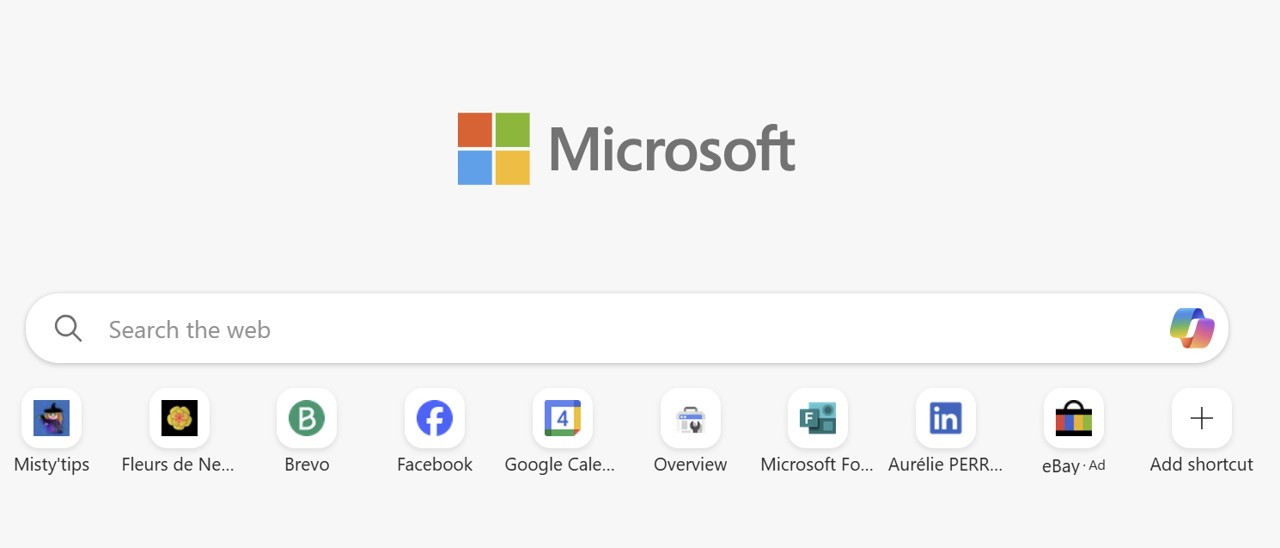
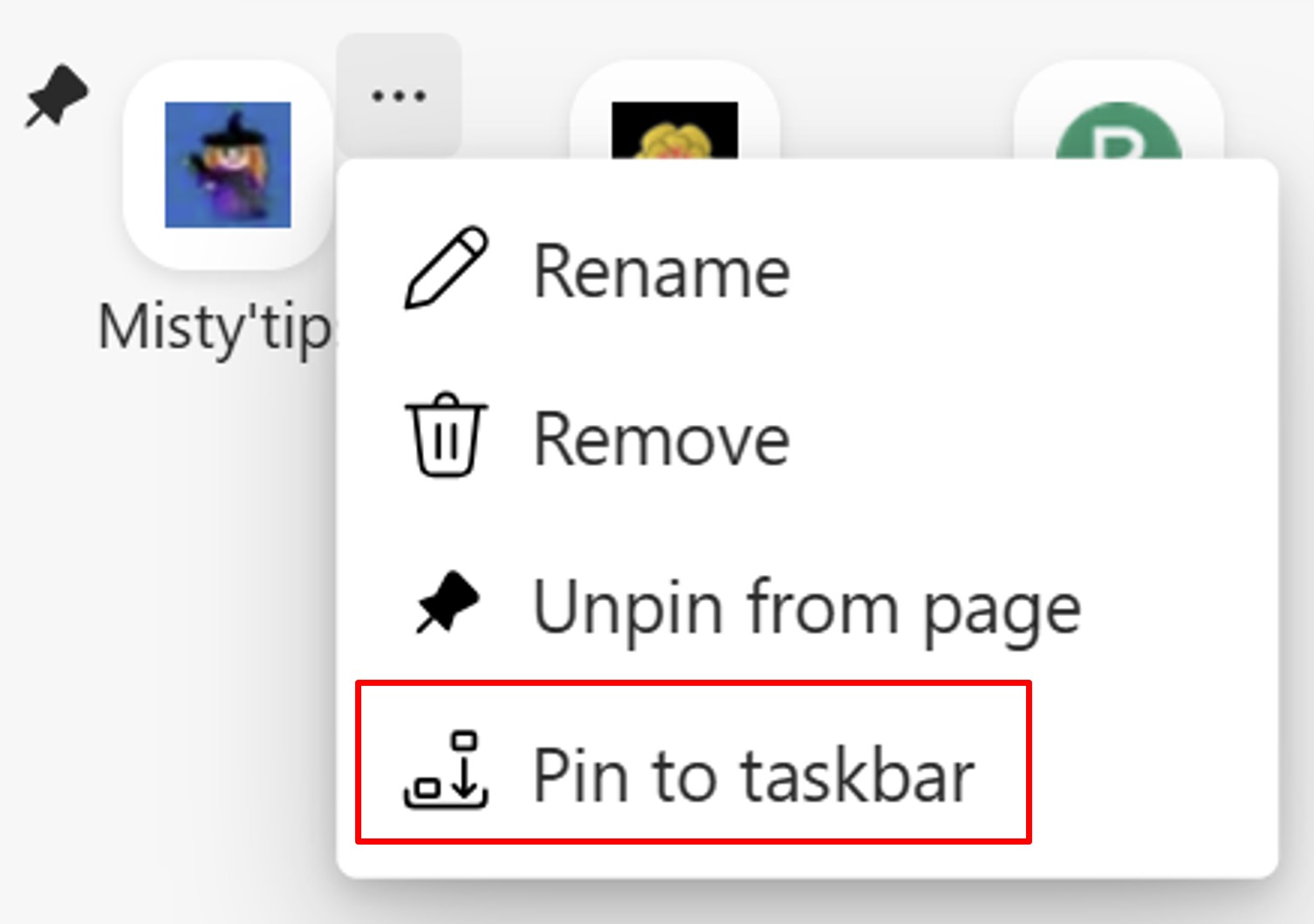
Then hover over the website icon to bring up the 3 dots. Click it, and then click Pin to taskbar.
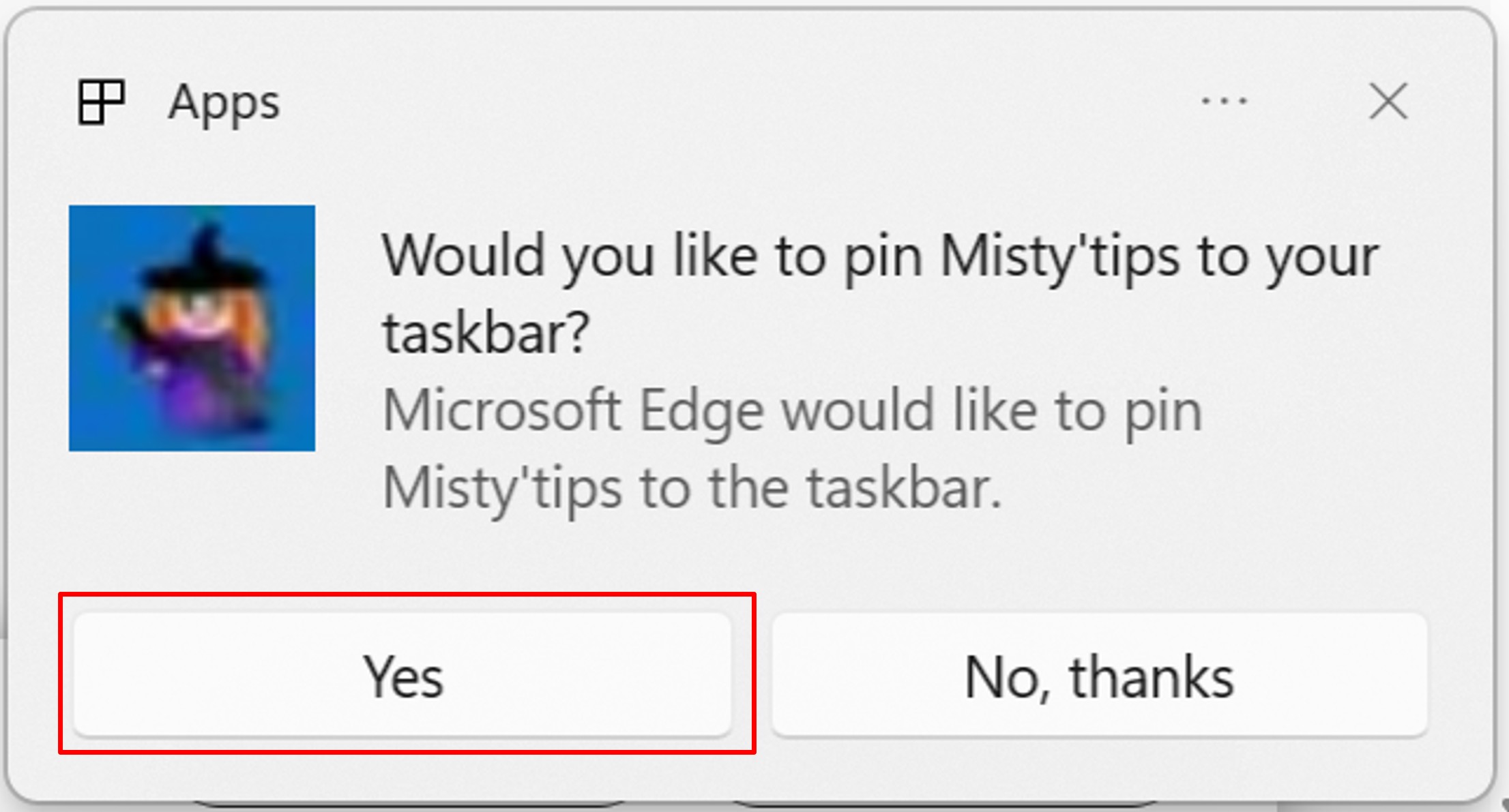
A pop–up asks you to verify the site‘s pin.
Your favorite site appears in the taskbar. You can access it in 1 click.