Want to add cabbages and carrots? Simply adjust the number format in Excel.
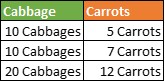
In the table below, we‘re going to add cabbages and carrots. To do this, let‘s customize the number format.
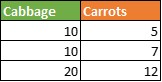
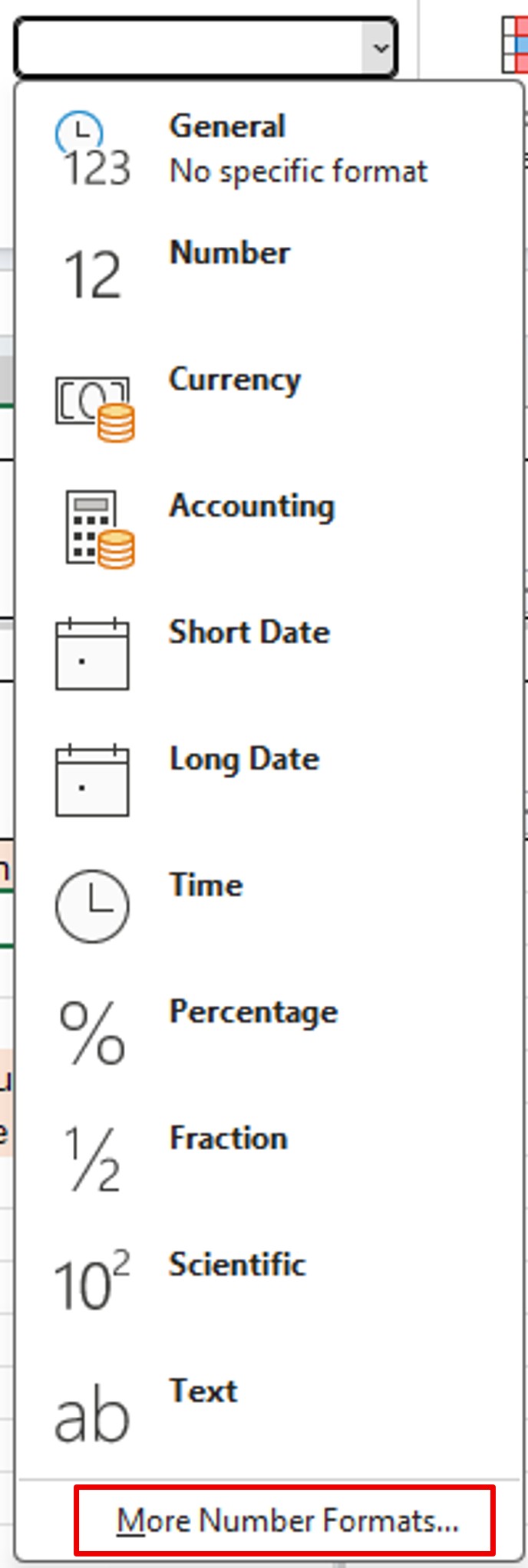
Select the numbers in the first column. Then in the Home menu, go to the Number section. Then, click on the Standard drop-down list. This will open the number display format list.

At the very bottom of the list, click More Number Formats.
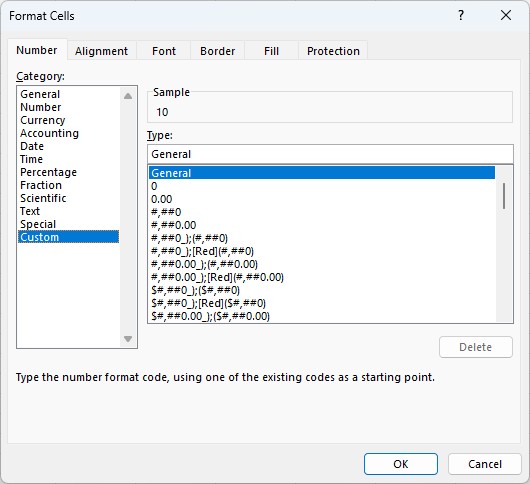
In the Number tab, click on Custom.
In the Type box, type 0 “Cabbages“. Quotation marks mean that you are adding text.
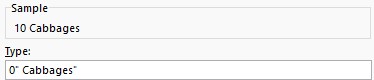
Do the same with the 2nd column and the Carrots.
This gives you the table below. You can use these cells to do operations: the last line is the addition of the 2 previous lines.
It is also possible to play with the format to display the numbers in K€ without the risk of rounding: Excel: Display an amount in $K