Looking to preview an email attachment in Outlook without actually opening it?
You must have set up a reading pane beforehand.
In your email list, simply click on your attachment and the preview will be displayed.
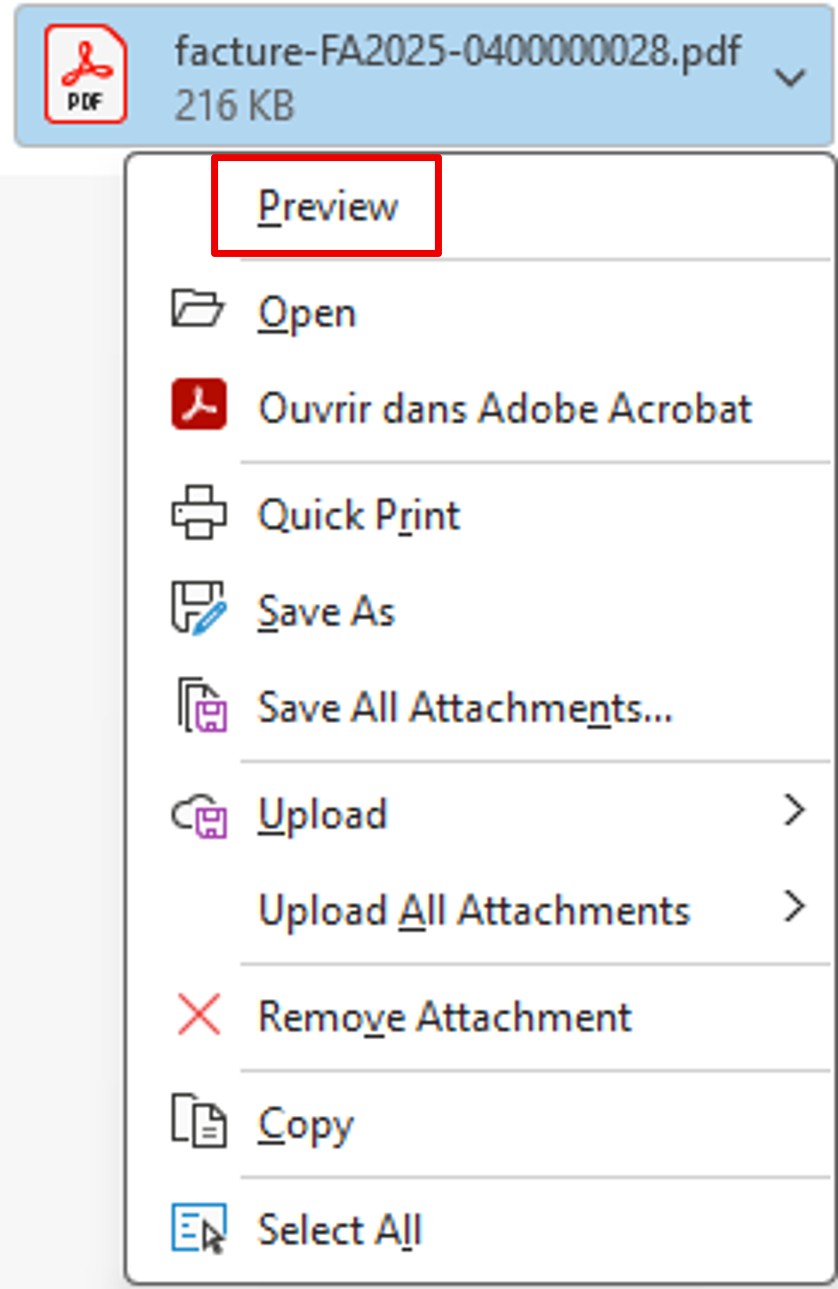
Alternatively, click on the arrow on your attachment and select Preview.
To return to your message preview, click Back to Message in the top left of your preview.