In Word, you want to number your pages in page number / total page number but can‘t find the option?
Word allows you to number the pages of a document either in the header or in the footer: Office: Change a document’s header and footer. Numbering can be simple or in page number/total pages mode.
On the Insert menu, click Page Number.

Choose whether you prefer to display page numbering in the header or footer.
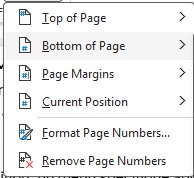
Then scroll down to the middle of the list. You will find Page X of Y. All you have to do is choose your alignment.
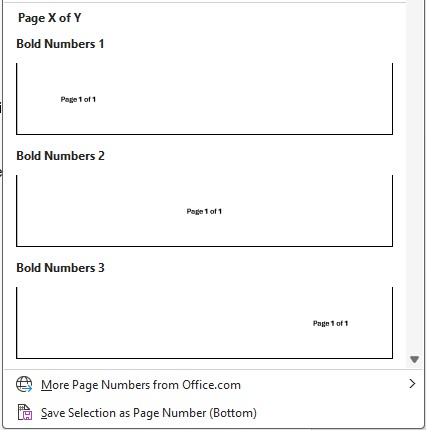
Numbering is added in the header or footer.